Same look, photo and video
The same looks on your photos
RAW photos with a quick base edit and the kit's looks on top. The bonus Lightroom presets are tuned to match the LUTs, so your carousel matches your reel.
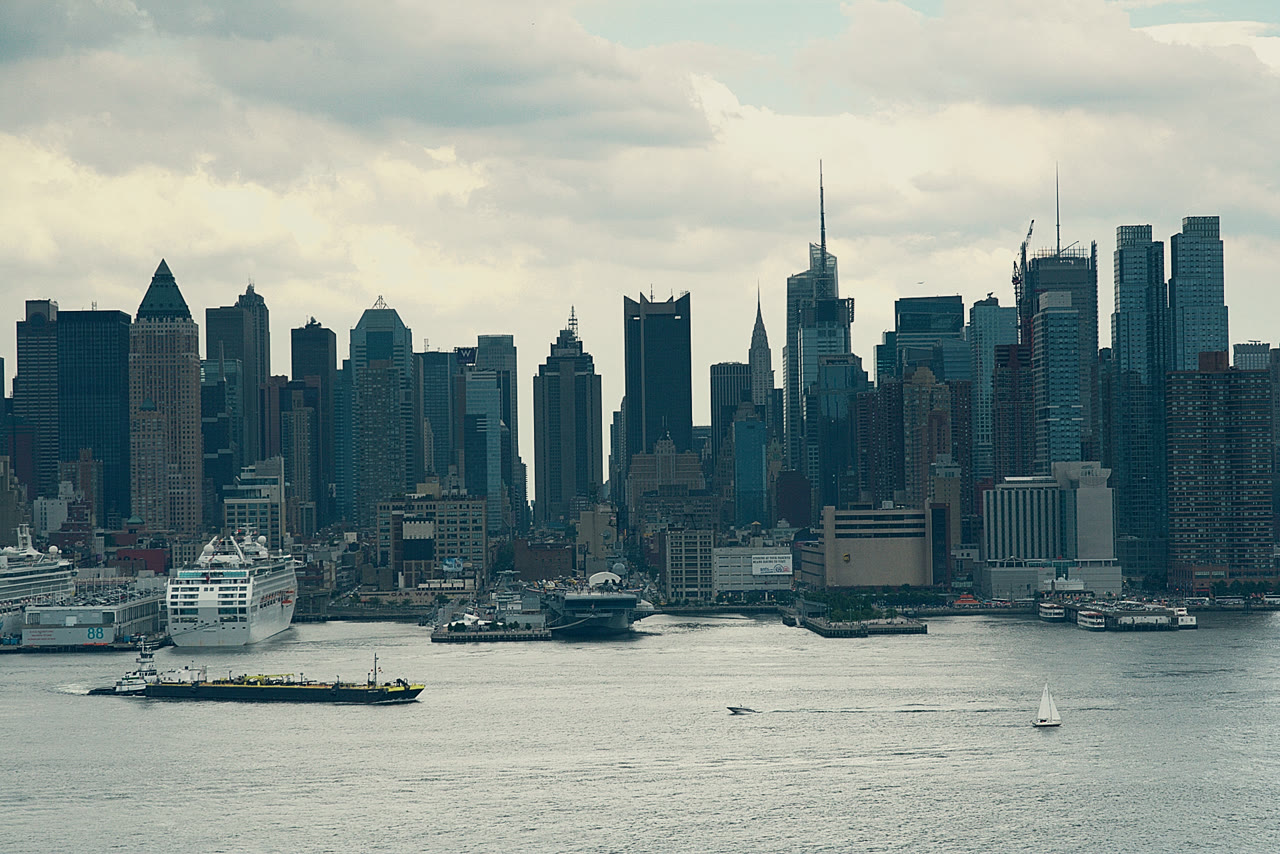

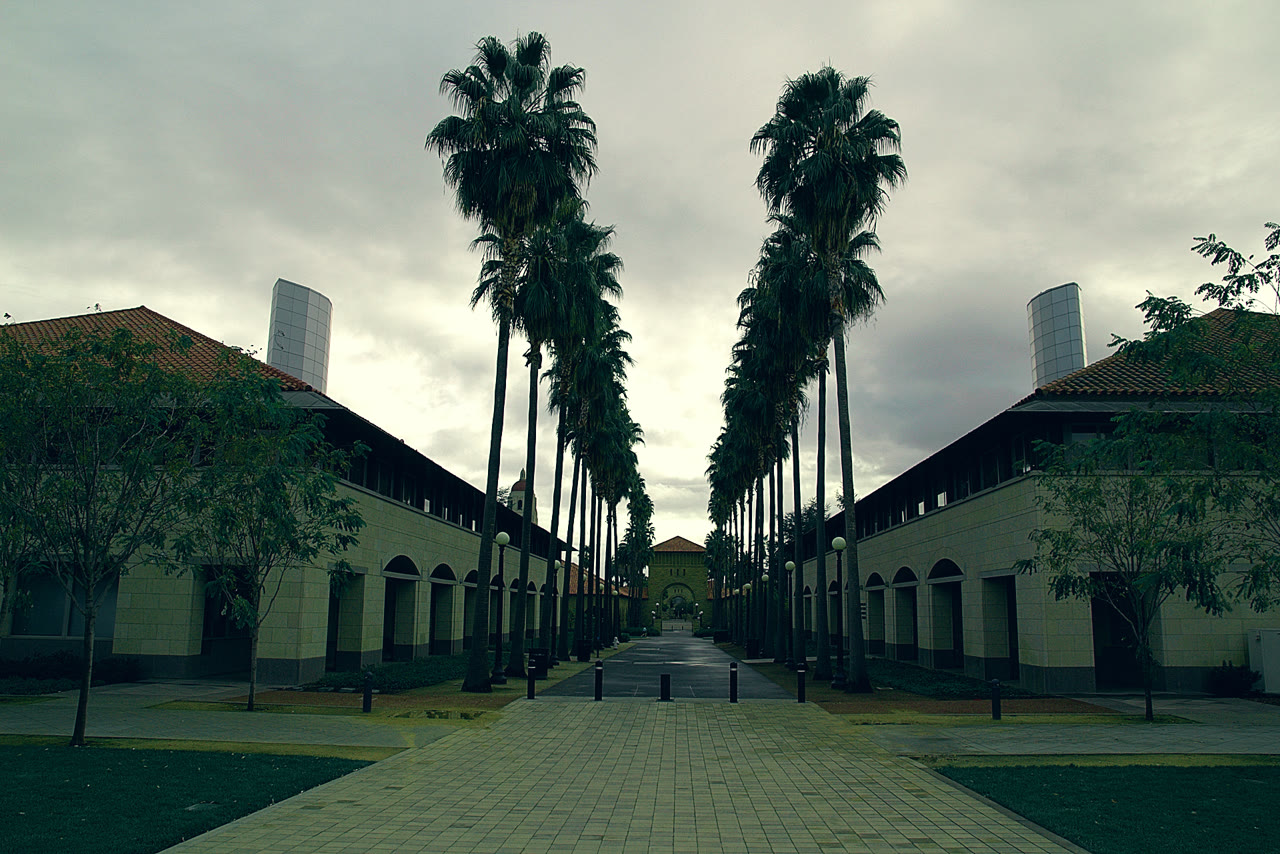
33 cinematic LUTs built on Apple's published Log curve, for DaVinci Resolve, Premiere Pro, After Effects, Final Cut Pro and CapCut. Plus a bonus: the same 8 looks as Lightroom presets.
Instant download · 14-day money-back guarantee
Real iPhone 17 Pro Apple Log footage, Apple Log LUTs at full strength. Pick a look and drag.
Whether you grade in DaVinci Resolve or cut reels in CapCut, the looks drop into the same place you already work. Pick your app:
You switched on Apple Log because it keeps more highlight and shadow detail. Then you opened the clip and it looked washed out, flat and grey. Grading it by hand means curves, colour wheels and an hour per video.
The kit does the conversion and the look in a single LUT. Drop it on the clip, set the strength, export.
Each look comes as an Apple Log LUT and a Rec.709 LUT, at full and 70% strength. Bonus: a matching Lightroom preset for your photos.
Apple Log on iPhone 15 Pro or newer, or D-Log M on your DJI. The guide shows the exact settings, including 25 fps for European lighting.
Import the .cube file into your editor and drop it on the clip. Apple Log LUTs convert and grade in one go.
Apply the preset with the same name in Lightroom. The carousel and the reel share one look.
Every buyer gets this walkthrough in the members area: which file to download, how to install the LUTs, the right strength, DJI footage and photos.
English narration · subtitles in 6 languages
| You shoot with | Use |
|---|---|
| iPhone 15 Pro, 16 Pro, 17 Pro (Apple Log) | Apple Log LUTs: one step from Log to graded |
| DJI Osmo Pocket 3, Osmo Action, Mini / Air drones (D-Log M) | DJI's free D-Log M conversion LUT first, then any Rec.709 look. The guide shows it step by step. |
| Any phone or camera in normal video | Rec.709 LUTs |
| Photos (JPEG, HEIC, RAW, ProRAW) | Lightroom presets: mobile, desktop, Classic, Camera Raw |
Editors: DaVinci Resolve, Premiere Pro, Final Cut Pro, CapCut desktop, LumaFusion, VN, or any app that imports .cube LUTs.
RAW photos with a quick base edit and the kit's looks on top. The bonus Lightroom presets are tuned to match the LUTs, so your carousel matches your reel.
One-time payment · VAT included · Instant download
14-day money-back guarantee. If the looks don't work with your footage, email us and we refund you.
Yes. Use the Rec.709 LUTs on normal iPhone or Android video, and the Lightroom presets on photos. Apple Log needs iPhone 15 Pro or newer.
Yes, in mobile editors that import .cube LUTs, such as LumaFusion and VN, and in Lightroom mobile for the presets. CapCut imports LUTs in its desktop app.
DJI doesn't publish its D-Log M curve. Using DJI's own free conversion LUT first keeps colours accurate, then any look from the kit goes on top.
Lower the LUT intensity to 60-80%, or fix exposure and white balance before the LUT. The guide shows both.
Yes, for your own and your clients' projects. You can't resell or share the files.
Right after payment, Hotmart emails you access to the members area. There you download the kit (the guide, the iPhone LUTs, the DJI and Android LUTs and the Lightroom presets) and watch the quick-start video.